Support
STL to STEP Assistant · Offline STL, GLB, OBJ and STEP conversion support
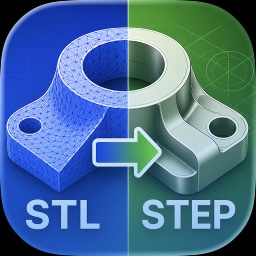
STL to STEP Assistant helps you open mesh-based 3D models, inspect them in a clean viewer, convert the current main model to STEP, and load STEP files again to check the converted result.
What the App Does
- Open STL, GLB, GLTF, OBJ, 3MF, PLY, USDZ, and other model formats.
- Load and view STEP files for inspection.
- Export the current main mesh model as a STEP file.
- Keep conversion work local and private on your device.
- Show recent files with name, size, and last access time.
STEP Export Quality
- Small: free, fast, and lightweight for everyday use.
- Balanced: keeps more visible shape while reducing file size.
- High: preserves more detail for higher quality output.
- Original: exports from the source mesh with minimal simplification.
Pricing & Access
Opening, previewing, inspecting models, loading STEP files, and Small STEP export are free.
A one-time In-App Purchase permanently unlocks Balanced, High, and Original STEP export quality modes. No subscription is required.
Best Results
- Use Small or Balanced for very dense STL or GLB models.
- Use High or Original when preserving more mesh detail matters.
- If a converted file is too large, try a more compact export mode.
- Load the exported STEP file back into the app to inspect the result.
Privacy
The app is built for local conversion. Model files are not uploaded to our servers for conversion, and we do not collect analytics or advertising tracking data.
Technical Notes
Mesh formats such as STL and GLB use triangle surfaces. STEP export from mesh data creates a practical CAD exchange file from those triangle surfaces. Very complex models may need simplified export modes for better reliability.
Contact & Support
Have questions, a conversion issue, or a file that needs attention?
Privacy Policy: Read here
STL to STEP Assistant — features, screenshots, and download · All apps by Wei Ai